Follow Us


To request office supplies, please follow these steps:
|
1- |
Visit InsiDar: https://insidar.dar.com |
|
2- |
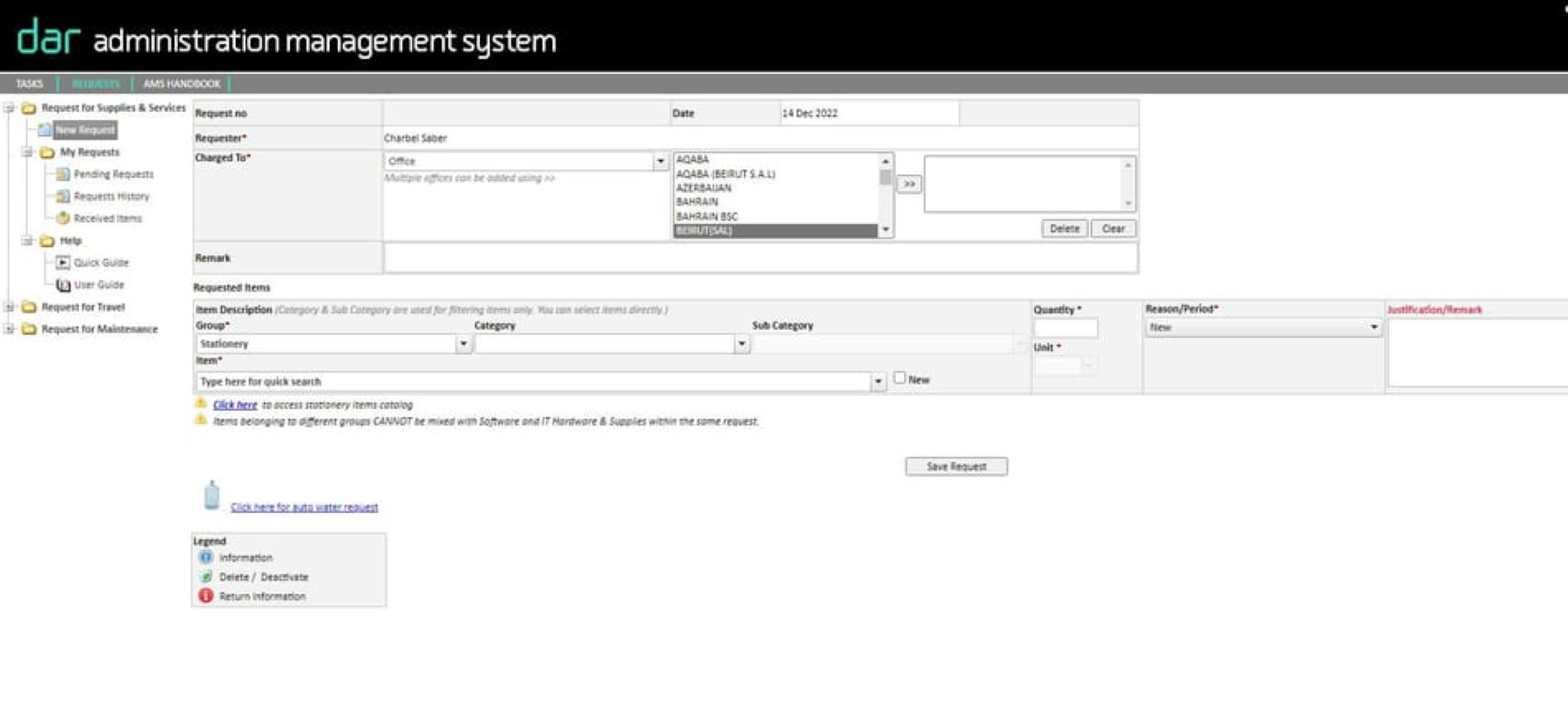
Under Admin services, click on Administration System, and then on Request for Supplies. |
|
3- |
Click on "Click here" to access stationary items catalogue to view all available supplies. |
|
4- |
Once you have found what you need, fill in all the item descriptions including Group, Category, Sub-Category, Quantity, and Unit. Each equipment must be added individually before submitting the request. |
|
5- |
After submitting your request, you will receive an automated email confirming that your requisition has been received |
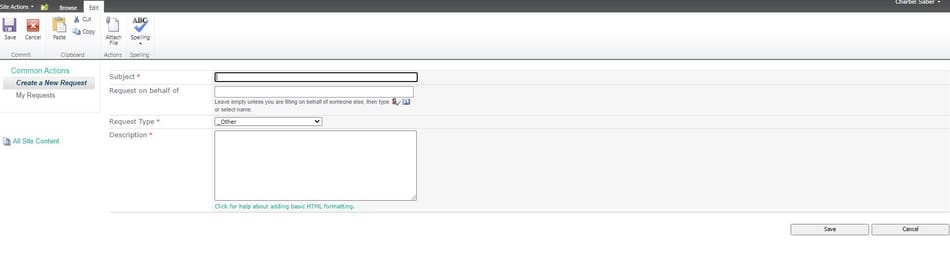
Follow the steps below to access it:
|
1- |
Visit InsiDar: https://insidar.dar.com |
|
2- |
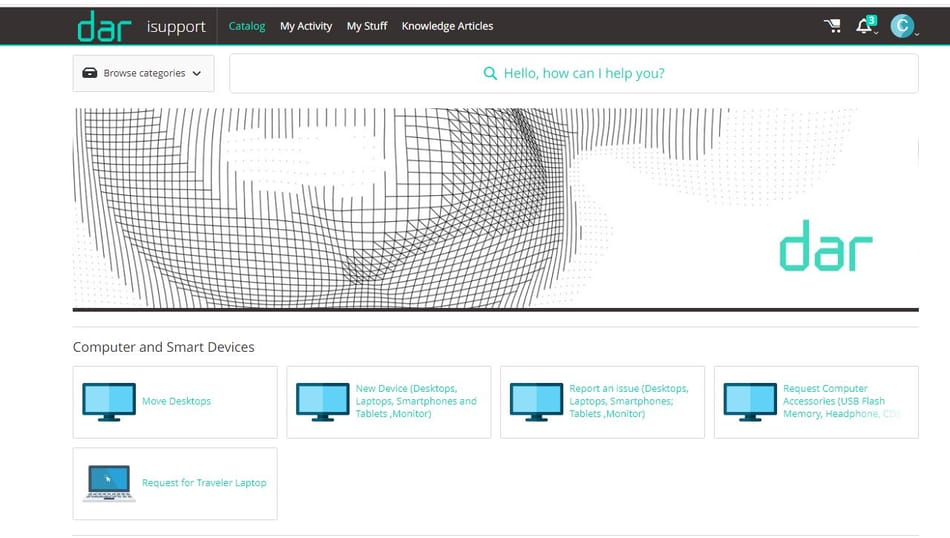
In the Quick Links section, click on IT Helpdesk Ticket |
|
3- |
Identify the specific issue you are facing, select Request Now, and provide the relevant information |
|
4- |
After submitting your request, you will receive an automated email confirms that your request has been activated |
To do so, simply navigate to the HR Matters section and select the Support Service option. From there, you can fill out a Service Request form to detail your request. Once you have submitted the form, an automated confirmation email will be sent to you to confirm that your requisition has been received.